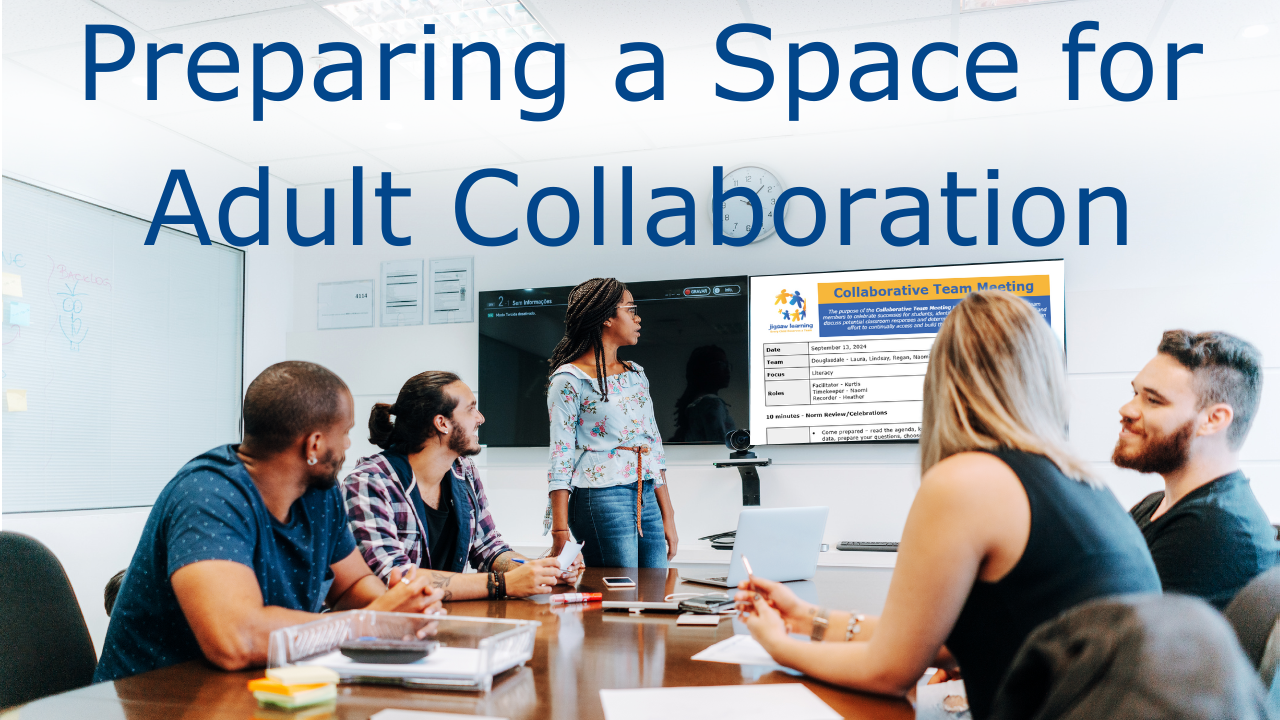
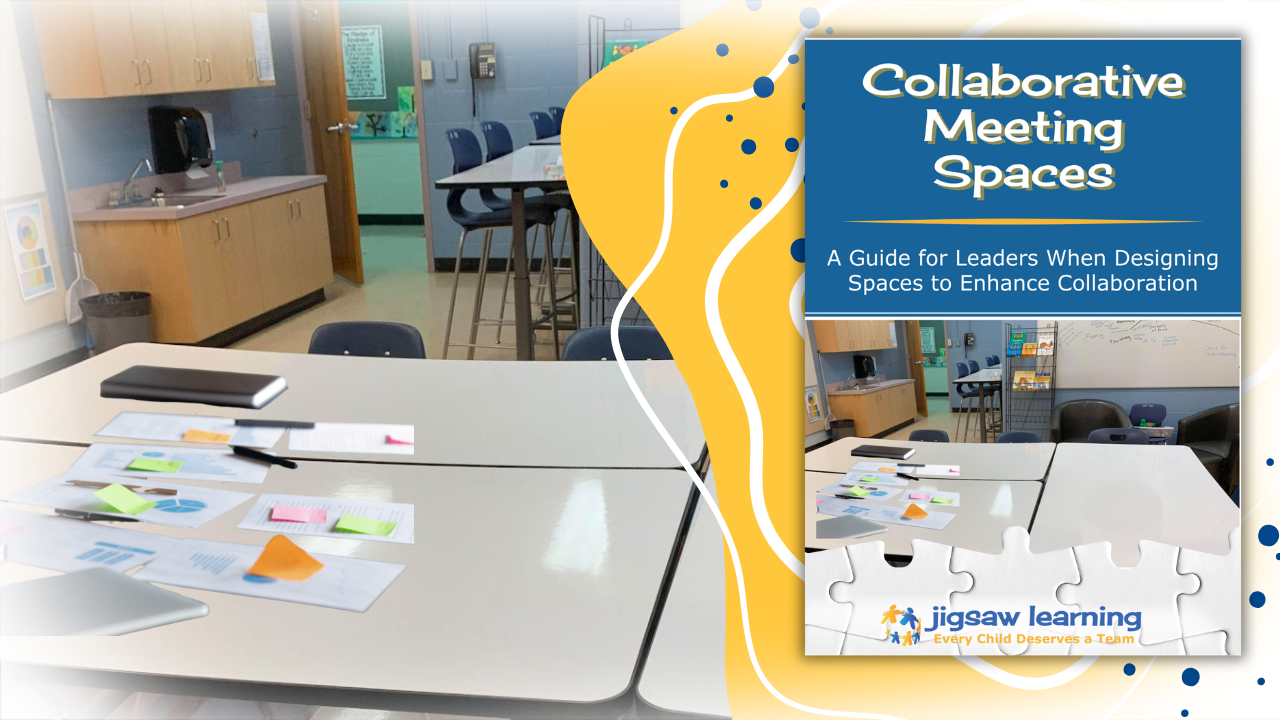
In the ideal scenario, schools have a dedicated conference room—a space intentionally designed, equipped, and organized solely for adult team meetings. However, the reality for many schools is far different, and collaboration often happens in classrooms, staff rooms, or whatever space is free at the end of the day. If your teams are constantly meeting in non-dedicated spaces, you cannot ignore the environment, as the structures that make collaboration successful are easily derailed when the physical space works against them. By taking a few high-leverage actions, you can ensure your collaborative time remains impactful no matter the location.
Prioritize Seating Over Convenience
The single most critical step that is often overlooked involves how people physically sit. It is natural for team members to walk into a classroom and sit at a desk at the back of the room, but this instantly inhibits effective conversation. To counter this, you should always move the desks and chairs into a circle or horseshoe shape so that every person can make eye contact with every other person in the room. This setup fosters equity of voice and psychological safety, whereas sitting behind someone makes it too easy to disengage or start a side conversation or get distracted with a computer or phone. If your meeting rotates rooms, make it an explicit rule that the teacher hosting the group is responsible for arranging the furniture before the meeting starts to save the team valuable collaborative time.
Create a Traveling Resource Kit
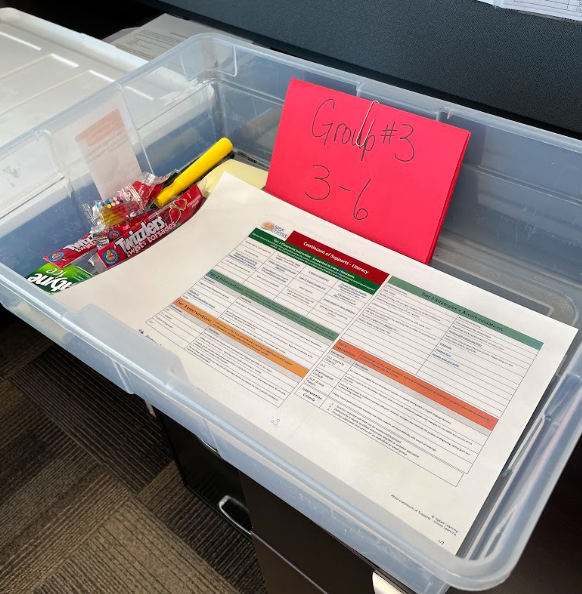
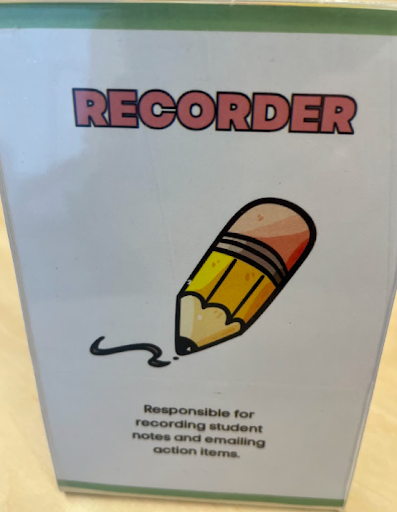
You should never waste precious minutes of collaborative time searching for supplies, which means if your meeting space changes, your resources must be portable. Assemble a "Meeting Bin" or a dedicated book box that travels with the team or is stored in a central location for the organizer to grab. Inside this bin, you should include printed or laminated copies of team norms, continuums of support, and essential supplies like sticky notes, pens, and scrap paper. Including simple role cards for the facilitator, timekeeper, and recorder ensures that the team can start exactly at the designated time and make the best use of every minute. The following photo comes from Light of Christ School where each team had a bin of all the resources they needed for the CTM (including treats and snacks).
Integrate the Recorder into the Group
It is vital to remember that the person taking notes is a full team member, not an administrative assistant relegated to doing the job of recording. To keep everyone’s focus up, ensure the meeting notes, agenda, or student data is projected onto the classroom Smartboard, which eliminates the need for every participant to open their own laptop. If the screen is hardwired to a corner desktop, a small investment in a Bluetooth keyboard and mouse allows the recorder to sit within the horseshoe group while still controlling the projection. Another efficient strategy is to have the teacher hosting the room serve as the assigned recorder for the day, ensuring the digital notes are ready to go before the group arrives. Another consideration is to have a secondary notetaker identified, who will step into the role of recorder when the main notetaker needs to focus on sharing their celebrations or key issues.
Utilize a Simple Setup Checklist
For busy educators whose minds are already racing with the day's tasks, a physical checklist prevents critical setup steps from being missed. You can laminate a simple list of essential tasks and tape it directly onto the lid of your Meeting Bin to serve as a visual prompt. This list should include high-leverage actions such as setting chairs in a horseshoe, turning on the projector, and distributing role cards. Making your setup routine explicit and portable is the key to maximizing collaboration time, ensuring that even in a temporary space, your team functions with the same effectiveness as if they were in a dedicated suite.
By intentionally preparing these mobile learning spaces, you move beyond just "getting through" a meeting and begin to engineer a culture where collaboration is supported and professional.
To help your team transition quickly from "classroom mode" to "collaboration mode," here is a draft of a concise, high-leverage checklist. You can copy this into a document, add your school logo, and tape a laminated version to the top of your Meeting Bin.
Collaborative Space Setup Checklist
☐ Spatial Arrangement - The very first step is to transform the classroom into a professional meeting space by moving all chairs and desks into a full circle or a wide horseshoe. This ensures that every participant has a direct line of sight to every other person, which eliminates physical barriers and immediately elevates the psychological safety of the group.
☐ Visual Focal Point - the meeting cannot effectively begin until the digital agenda or student data is projected onto the main screen or Smartboard. This central "canvas" allows the team to focus on a single shared document, enabling everyone except the designated recorder to keep their laptops closed and their attention on the collective conversation.
☐ Technology Integration - if the projecting computer is fixed to a corner desk, the Bluetooth keyboard and mouse should be placed within the seating circle. This allows the recorder to remain an integrated member of the horseshoe rather than being isolated at a desktop, ensuring they can contribute to the dialogue while capturing the team's notes.
☐ Resource Accessibility - the team norms should be pulled from the bin and placed prominently in the center of the group or at the front of the room as a constant visual anchor. Alongside the norms, ensure that role cards are distributed to the Facilitator, Timekeeper, and Recorder so that the meeting structure is clear from the very first minute.
☐ Supplies and Anchors - The final step is to set out the essential tools including stacks of sticky notes, pens, and any relevant school-wide continuums or research articles. Having these resources physically present and within arm’s reach prevents any mid-meeting interruptions and signals that the team is fully prepared for high-impact work.
What's one simple supply or resource you've found essential for keeping your collaborative team meetings focused and efficient?
Please reach out to share your insights, challenges, and triumphs along with your questions, resources or suggestions related to this topic. Connect with us at or .